
About Course
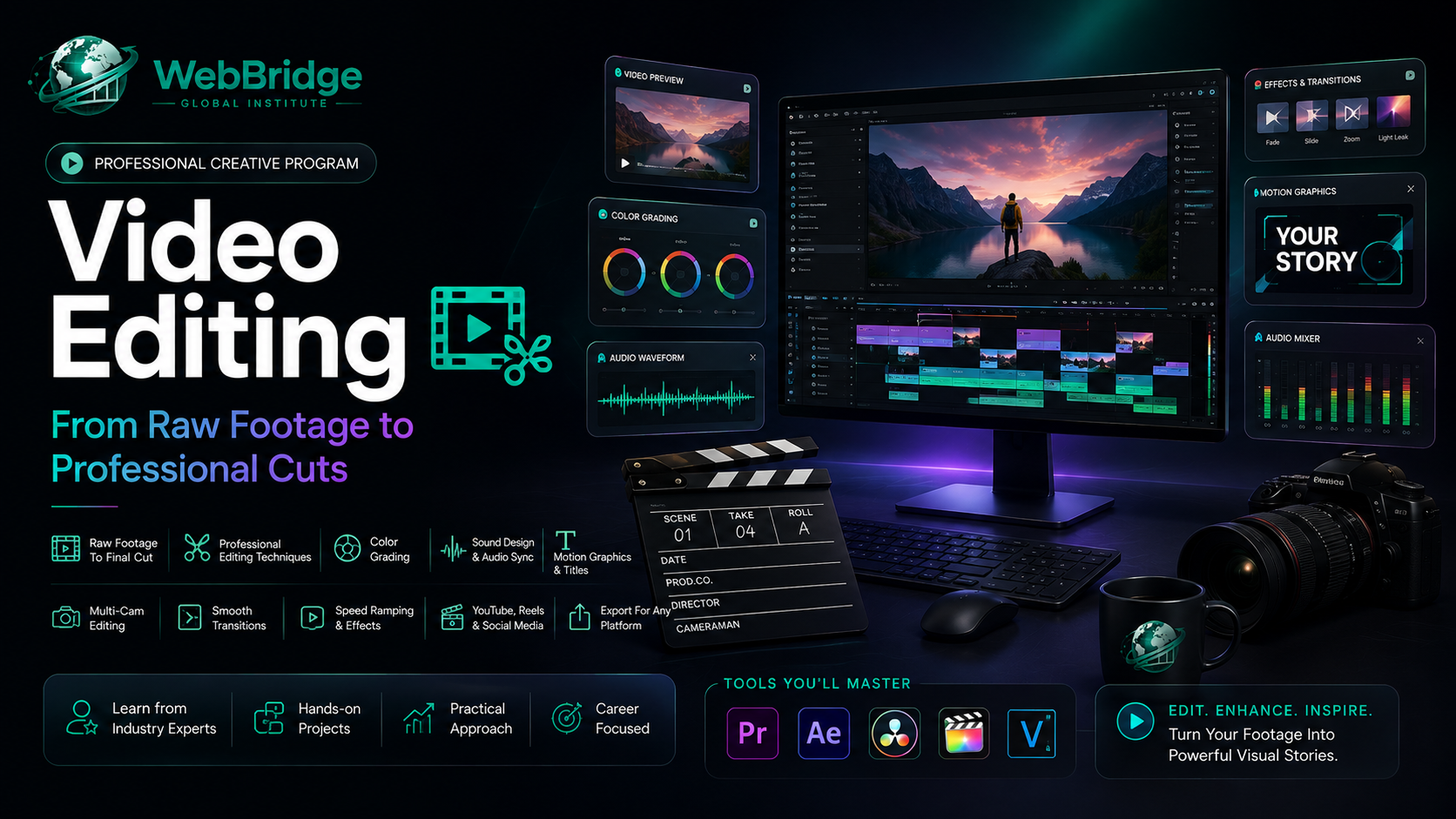
An 8-week, hands-on video editing program covering cutting, transitions, sound design, color grading, and motion graphics — ending with a 2–3 minute portfolio showreel and a complete capstone video project.
This 8-week Video Editing course takes you from raw footage to polished, professional cuts. In Month 1, you’ll build core editing skills — timeline basics, J/L cuts, transitions, pacing, and audio editing & sound design. In Month 2, you’ll level up with color correction and grading in DaVinci Resolve, titles and motion graphics in Premiere Pro’s Essential Graphics panel, multi-camera editing, chroma key, and speed ramping.
The course wraps up with a Capstone Project — a complete short video (2–3 minutes), your choice of short film, YouTube episode, or promo video, including color grading, sound design, titles, and music. By the end, you’ll have a portfolio showreel of your best work, plus an overview of freelancing basics — pricing per project, turnaround expectations, and handling client feedback.
Course Content
Week 1: Introduction to Video Editing
-
Editing Foundations
Week 2: Cutting & Timeline Basics
Week 3: Transitions & Pacing
Week 4: Audio Editing & Sound Design
Milestone Review (End of Month 1): Portfolio check-in — sequence, vlog cut, music montage, voiceover project. Feedback session.
Week 5: Color Correction & Grading
Week 6: Titles, Text & Motion Graphics
Week 7: Multi-Camera Editing & Advanced Techniques
Week 8: Capstone Project & Portfolio Building
Portfolio Projects
Student Ratings & Reviews